
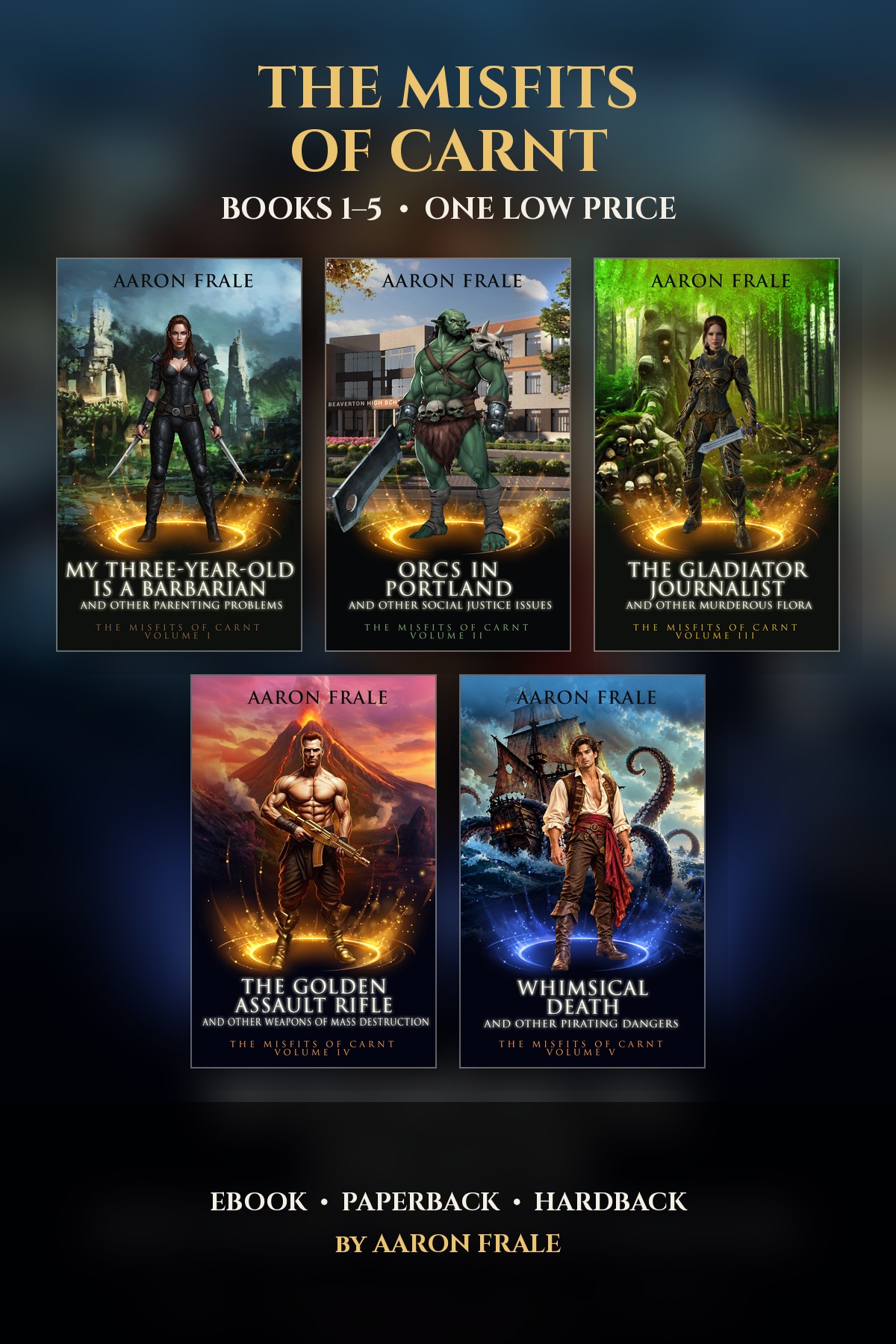

First off, you’ll need a book. Here’s Time Burrito which is permafree.
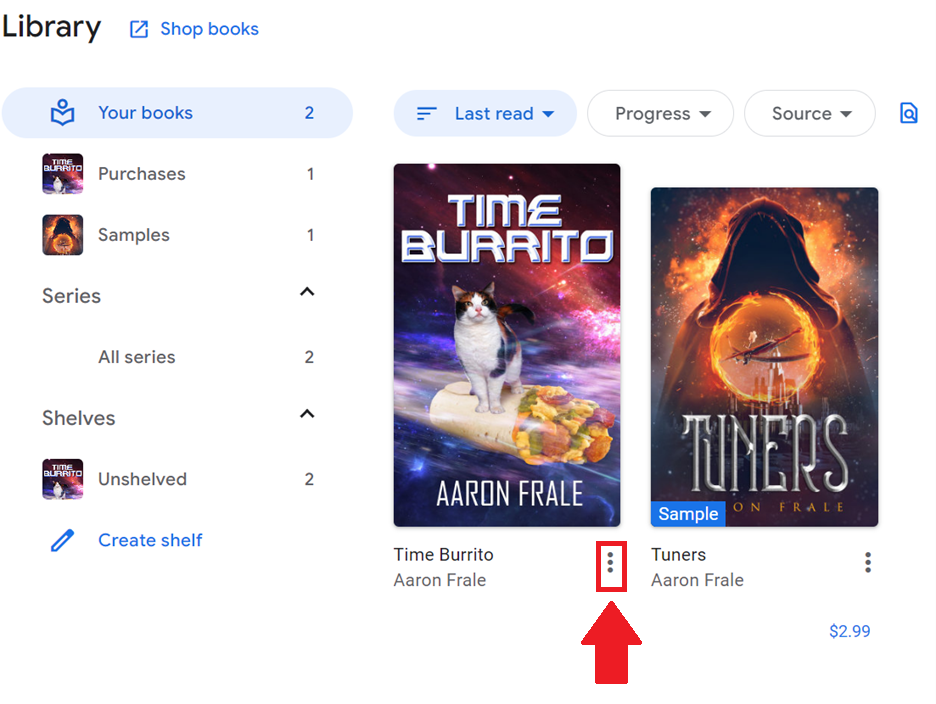
Access the book via your web browser on your Google Play Library:
Then click on those three dots under the book:
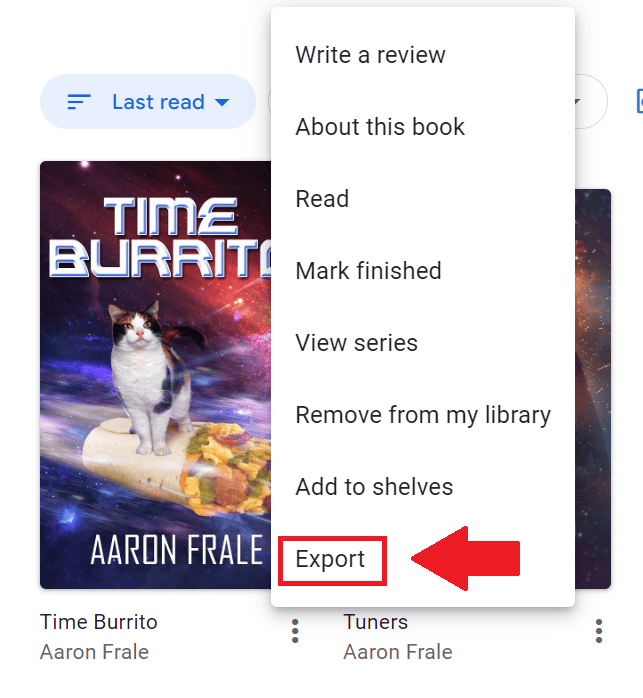
Then choose export:
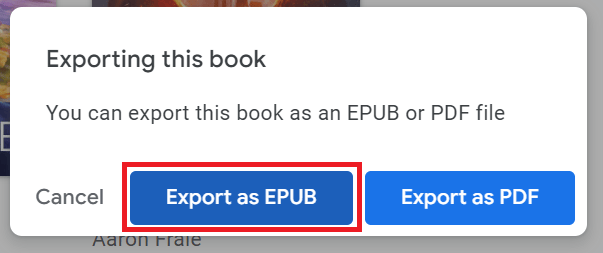
Then export as EPUB:
Then once it is saved to your device (this step will vary depending on your device), you’ll need to get your kindle email address from Amazon. Please note that your kindle email is not the same as your Amazon email.
From the Amazon home page, click on the Account drop down menu and then Devices.
You’ll get a page that looks like the screenshot below. Click on kindle:

Click on your Kindle:

Your kindle email address will be located in the system information:

Once you have the email address for your kindle, email the EPUB of the book as a file attachment (this step will vary depending on your device).
Here’s Atmospheric Pressure to get some more practice.

Leave a Reply